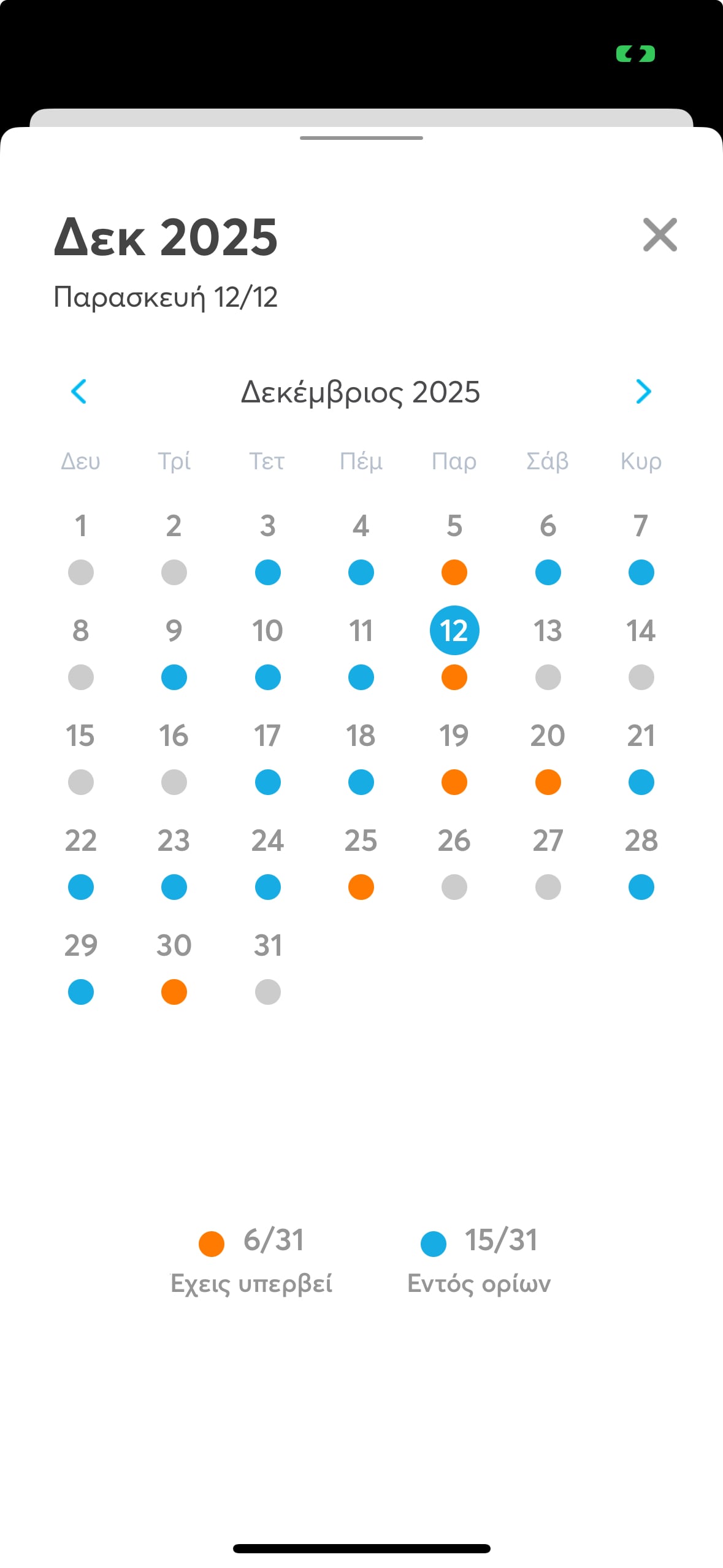
The colored dots in the balantia app calendar are visual markers of your daily progress and help you keep track of and adjust your nutrition goals easily:
Orange dot
You've exceeded your daily calorie target, meaning you consumed more calories than you had planned for the day.
Blue dot
You're within your calorie goal and you might have some calories left to meet your goal fully.
Empty dot
No nutrition data has been logged for that particular day.
Note: In dark mode, the empty dot appears in a dark color but its meaning stays the same.