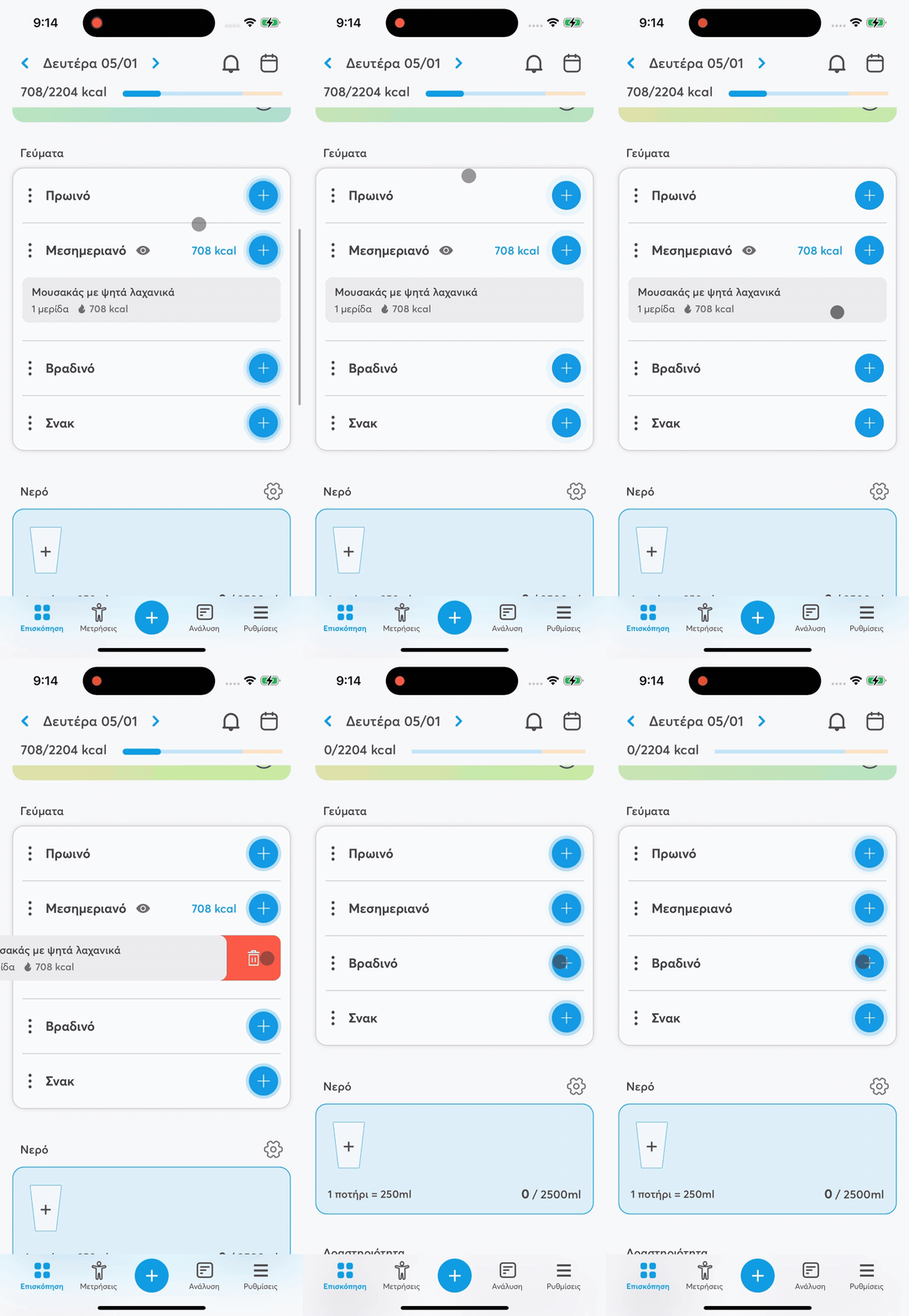
In the balantia app you can delete entries from a meal easily, either a single food or the whole meal.
🗑 Delete a single entry
You can remove a specific food from your meal with one of the following ways:
By swiping the entry to the left or right and tapping the trash icon
By long pressing on the food and choosing “Delete”
➡ The food is immediately removed from the meal and calories and nutrients get updated automatically.
🗑 Delete all entries in a meal
If you want to delete all foods from a meal:
1⃣ Tap the icon with the three dots (⋮) next to the meal name.
2⃣ Select “Remove all”.
➡ All entries for that meal are deleted instantly.
This way, you can easily and quickly manage your meals, whether you want to remove one food or clear the entire meal.